Up Close

Built around the day you actually have.

Three of the seven reps have a whole practice behind them, made for the parts of the day you already live, like the driveway, naptime, dinner and bedtime.

Rep 02 · Breath

Six breaths, each with a job.

Pick the one the moment needs and breathe along while the screen counts every in, hold and out. Each one comes with what it does and when to reach for it, plus the research behind it.

  • CalmPhysiological Sigh
  • FocusBox Breathing
  • Relax4-6 Calm
  • BalanceCoherent 6-6
  • EnergizeQuick Breath
  • Sleep4-7-8 Breath

Want a voice to walk you in? Seven voice-guided sessions are named for the moment, like The Driveway Reset.

On iPhone, the phone taps out each breath, so you can do it with your eyes closed.
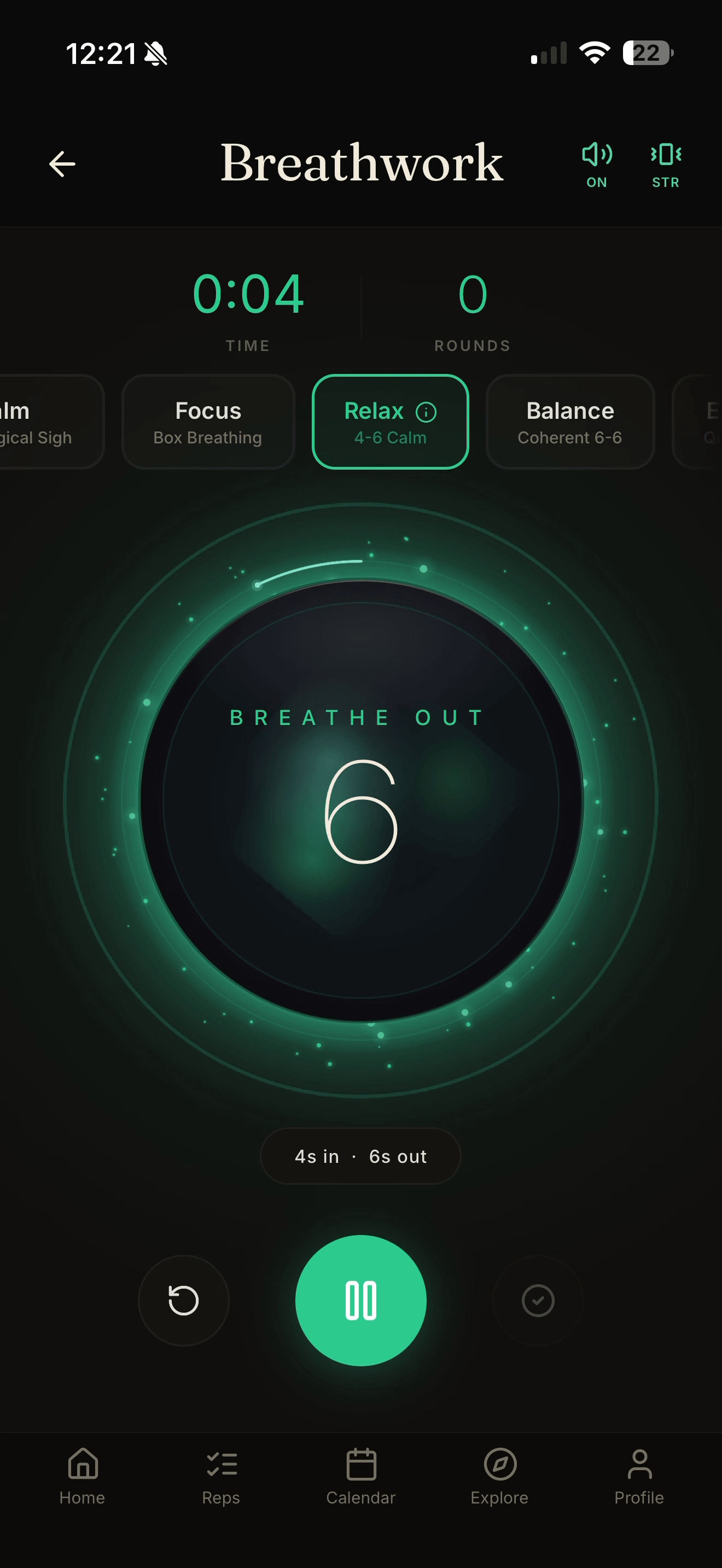
Breathwork in the app: the Relax exercise, 4-6 Calm, beside Focus and Balance, with Breathe out counting down from 6 on a glowing orb, 4s in and 6s out
Rep 04 · Move

Naptime counts. So does the playground.

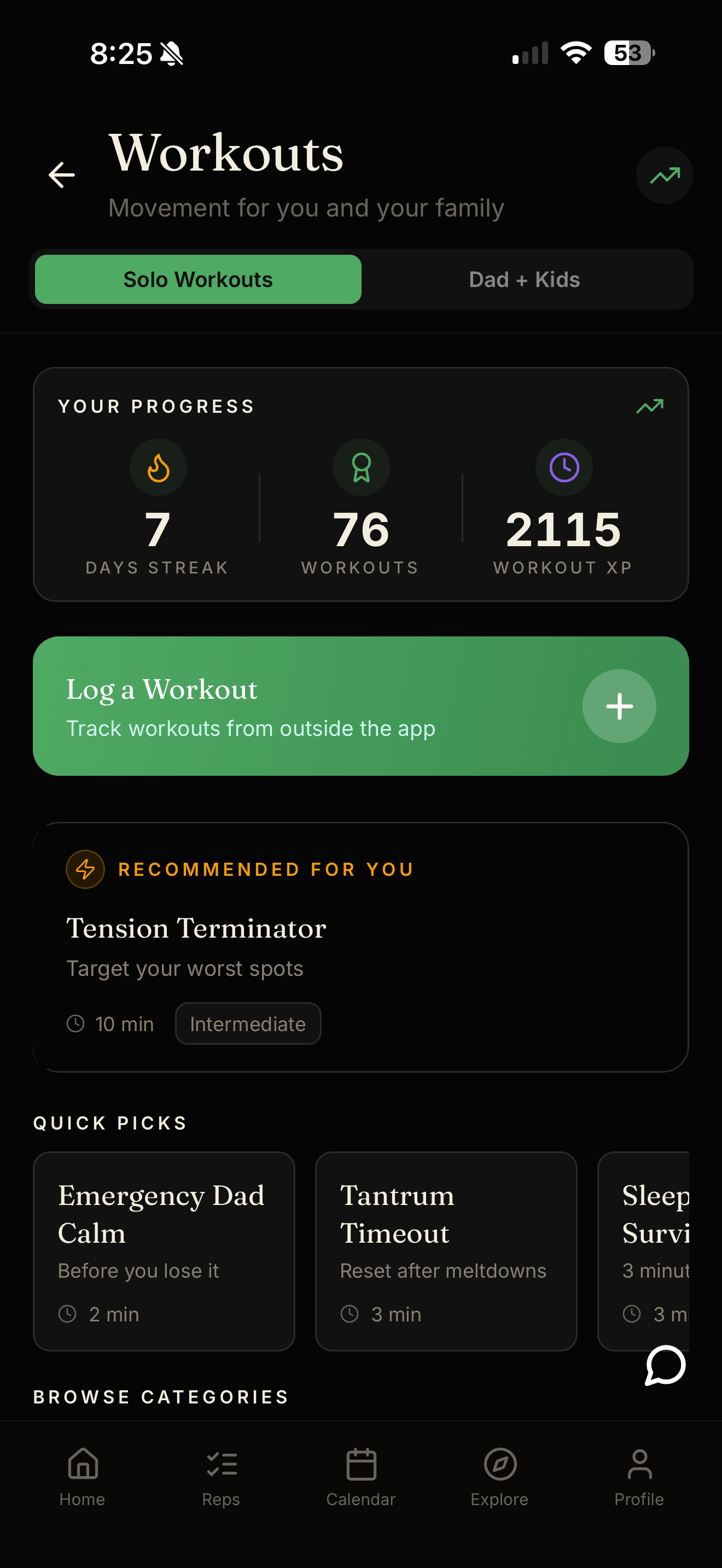
Nine categories built around a father’s day, from Naptime Workout to Kid-Carrying Strength and Chase-the-Kids Legs. Then Dad + Kids, workouts you do with them, not around them.

Workouts for you
77
To do with the kids
18
  • Baby WeightsAges 0 to 2. Use baby as resistance.
  • Toddler TagAges 2 to 4. Active play & cardio.
  • Playground FitAges 3 to 10. Playground workouts.
  • Backyard GamesAll ages. Outdoor activities.
  • Dance PartyAll ages. Follow-along dance.
  • Sports SkillsAges 4+. Skill building.
Workouts in the app: Solo Workouts and Dad + Kids tabs, a 7-day streak, Log a Workout, and quick picks
Rep 06 · Phone down

The phone goes face down.

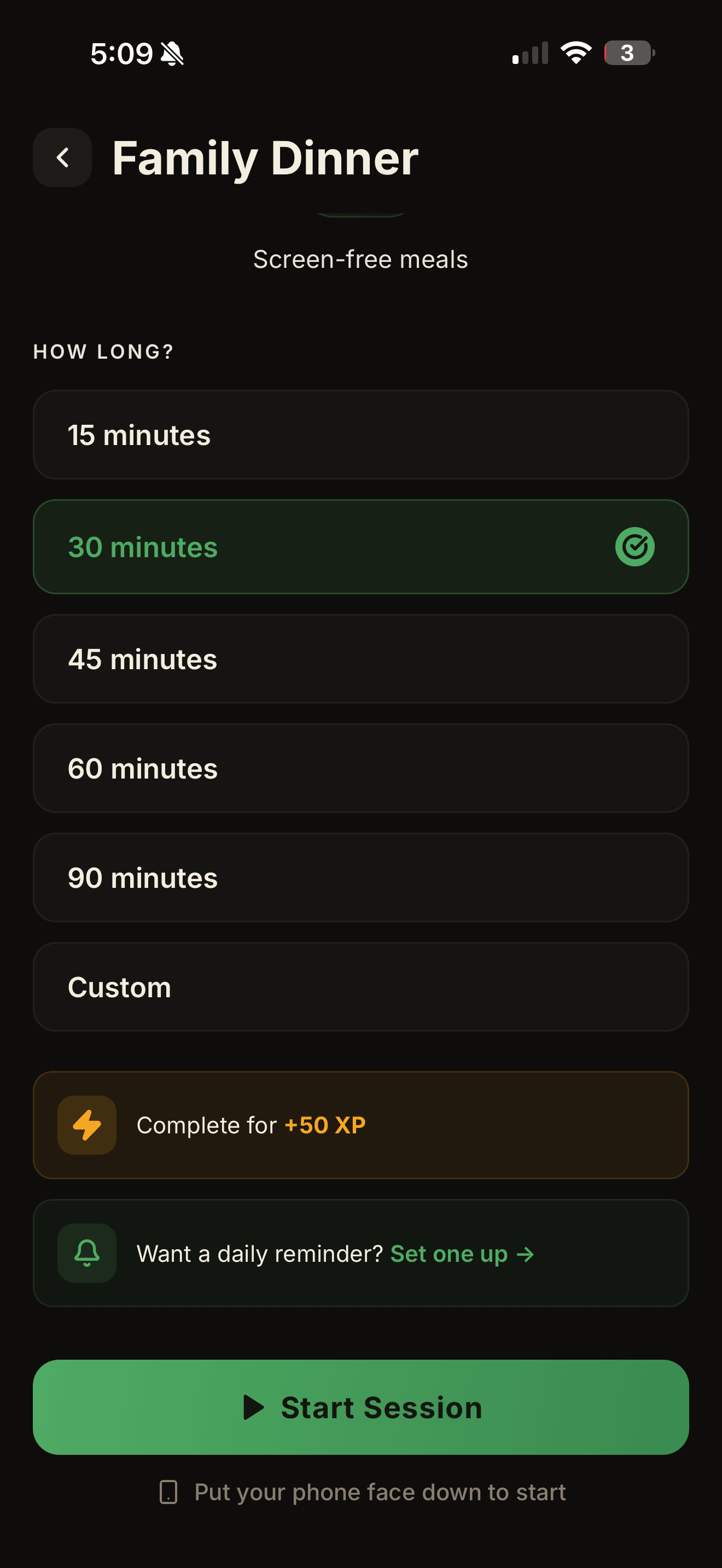
Pick the moment: Family Dinner, Bedtime, 1-on-1 Time, or one of your own. Pick how long: 15 minutes to 90, or a length you set. The timer runs while you’re there. When it’s done, it asks how it went, and what happened in there.

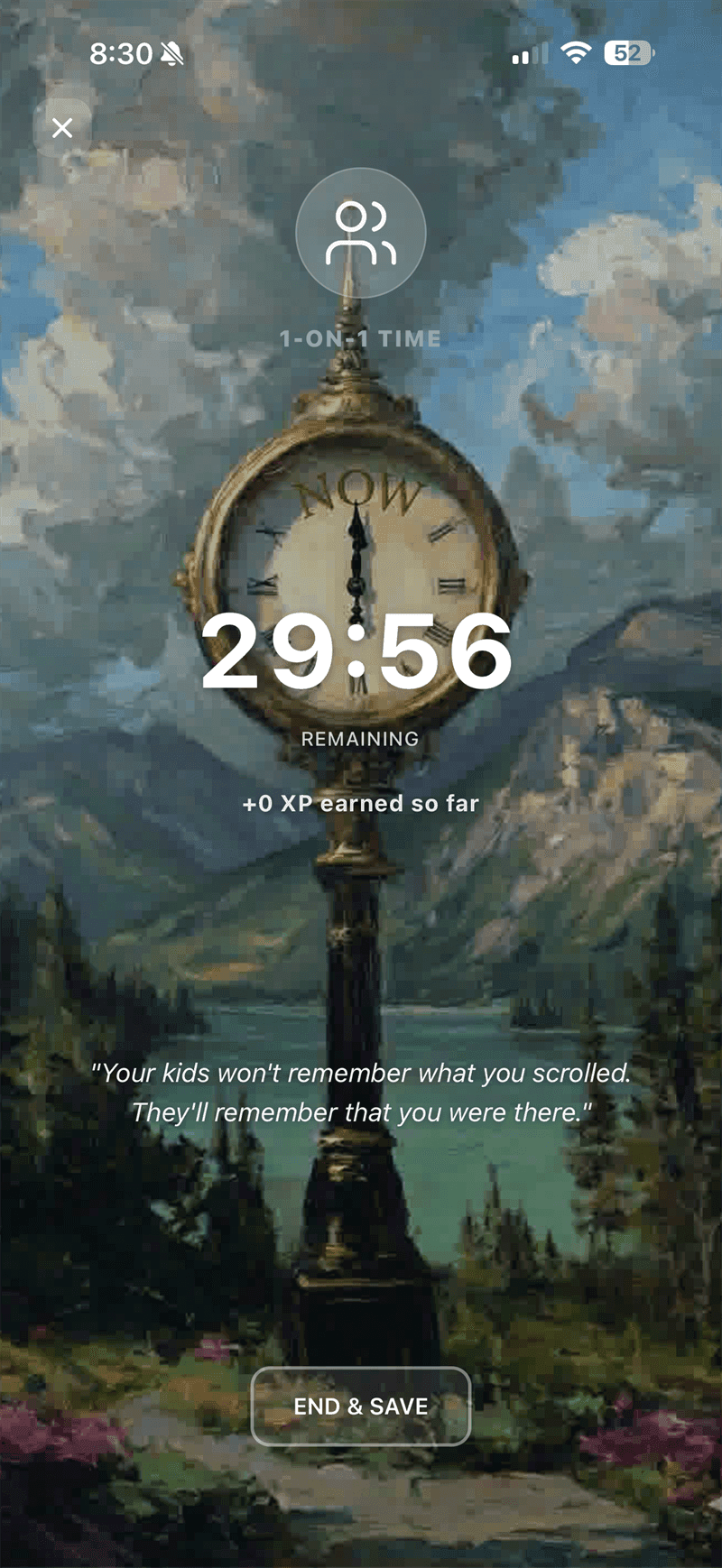
“Your kids won’t remember what you scrolled. They’ll remember that you were there.”
One of the lines the timer shows while it runs.

On iPhone, you can also start it just by putting the phone face down.

Family Dinner setup: screen-free meals, how long from 15 to 90 minutes, Start Session, and Put your phone face down to start
A 1-on-1 Time session: a painted clock counting down 29 minutes 56 seconds
Log Your Own

Did it without the app? It still counts.

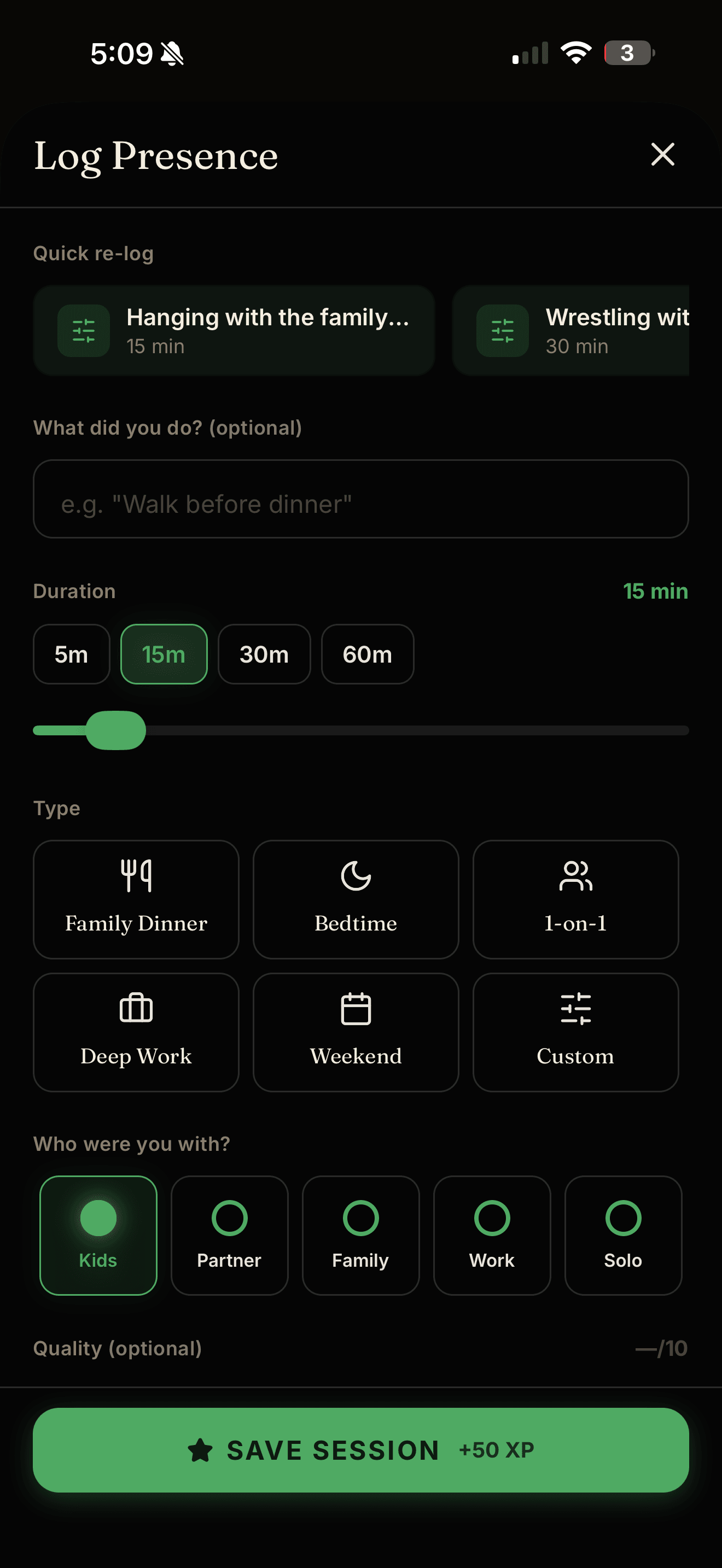
The gym before work, a run, a pickup game, prayer in the truck, dinner with the phone in another room. Log it in a few taps and the rep is checked off, the same as a session in the app.

  • MoveWhat kind, how long, how hard, and how you felt.
  • BreathBreathing, prayer, mindfulness or a body scan: how long, and how you felt.
  • Phone downWhat you did, how long, who you were with, and how it went.

From there it’s on your record like everything else: your streak, your stats, the year map on your profile. And your coach sees it the next time you talk.

Log Presence in the app: quick re-log, what you did, how long, the kind of moment, who you were with, and Save Session

Seen enough?

Rep one takes about a minute. It runs right here in your browser, free, under the same account as the iPhone app.

← Back to the whole app

Free.Start at rep one